
Windows would not let me fully remove Copilot, Office/365, or OneDrive. These services should be optional, and their behavior offended me. My focus kept being lost as I could never stop random window focus changes as Copilot tries to advertise itself to me, and 365 download browser tabs never stop opening.
I bullied the registry trying to disable these features so hard I had to factory reset twice in a month. As an aside, I refuse to own hardware with a Copilot button; Stop, just stop it with that. I finally decided that the effort to switch to Linux and figure out how to get all the software I need working there would cost me less time than continuing to fight Windows.
I switched from Windows to Archlinux largely in one day, with some effort every day over the following two weeks tweaking settings, and installing and configuring everything I needed. Why Arch? Because I read brief descriptions of every Linux distro and rolled with it of course.
The Preparation
I got a good flash drive to flash Archlinux onto, downloaded archlinux and ran rufus to flash it onto the drive. That part is easy. The hard part is going through every piece of software I use on Windows and thinking through the ramifications of trying to replicate the same tools and processes on Linux. I was worried about Genshin Impact but I knew there was a Linux launcher and I had the github repo for it.
For reference, I am installing Archlinux on a ThinkPad P16 Gen 2 with a RTX 2000 Ada graphics card. I went into BIOS ahead of time to disable secure boot, switch UEFI/Legacy Boot to UEFI only, and switch to discrete graphics.
Archinstall, my new Sleep Paralysis Demon
From what I understand, archinstall did not used to exist. Archlinux was known for being just about impossible to install correctly. Not it is more accessible to linux users. But still really only accessible to people already firmly comfortable in Linux terminals with solid computer science knowledge to understand what is going on as options are presented and things go wrong.
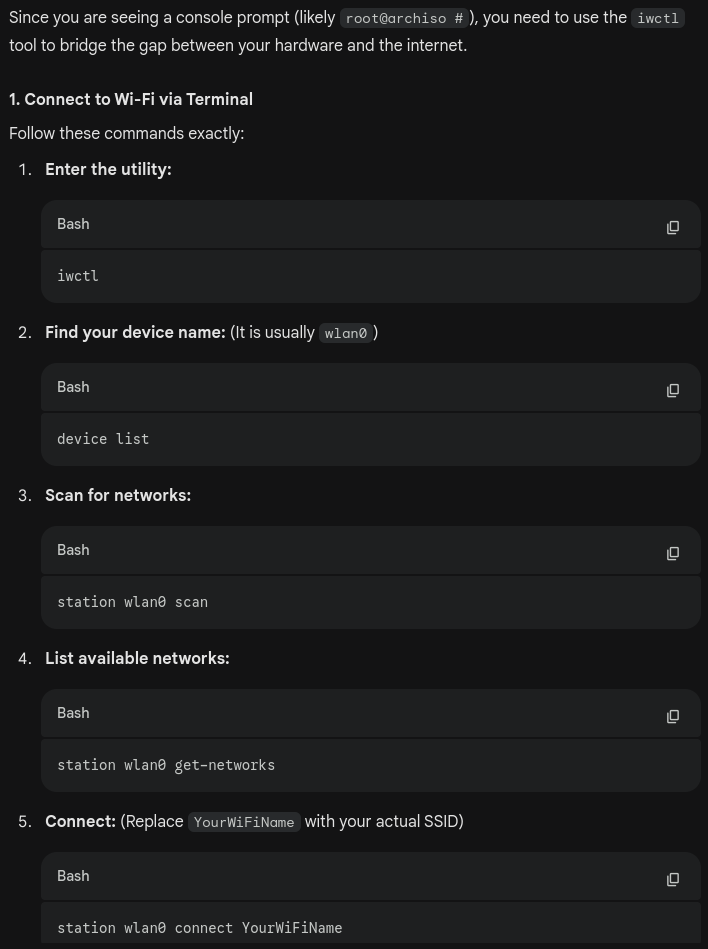
Connecting to the internet from a terminal was disgusting, largely because it was something I had never had to do otherwise. It is also something I would really expect an installing process to guide users through with prompts. I would have thought that would be high on the priority list for implementing installation steps, but nope. At any rate, this is where going through the installation with Gemini on my phone began.
The installation process made me choose my filesystem type (Btrfs, Ext4, XFS, or F2FS). I had to lookup what these were, and went this Ext4 because why would I choose anything but the simplest option here. I think I'm missing out on built-in backups but surely I can do that myself.
After my first archinstall, I was only booting to a black screen. KDE Plasma did not get installed like I thought it would. In fact, far too little got installed such that I couldn't even install any missing packages myself.
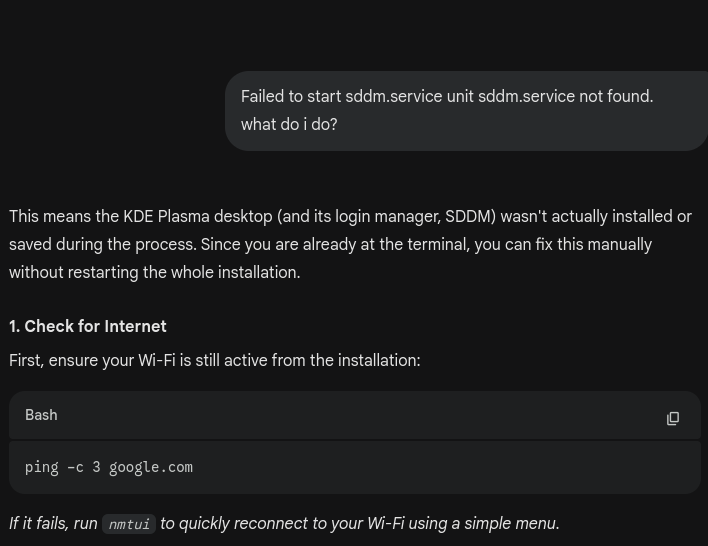
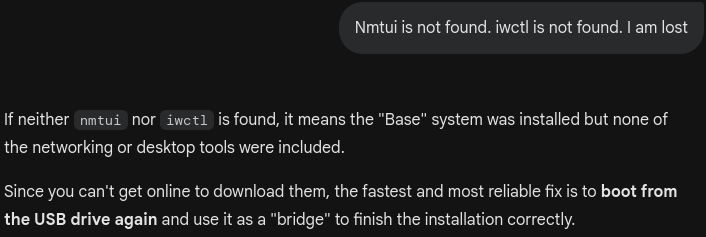
After running archinstall a second time, I still had to get through an issue where I was only booting to black screen, but this time I had to add the argument nvidia-drm.modeset=1 to the Kernel parameters during a brief timing window while booting, then once in the desktop finally I went straight to the terminal to patch that issue to make turning on my computer work normally.
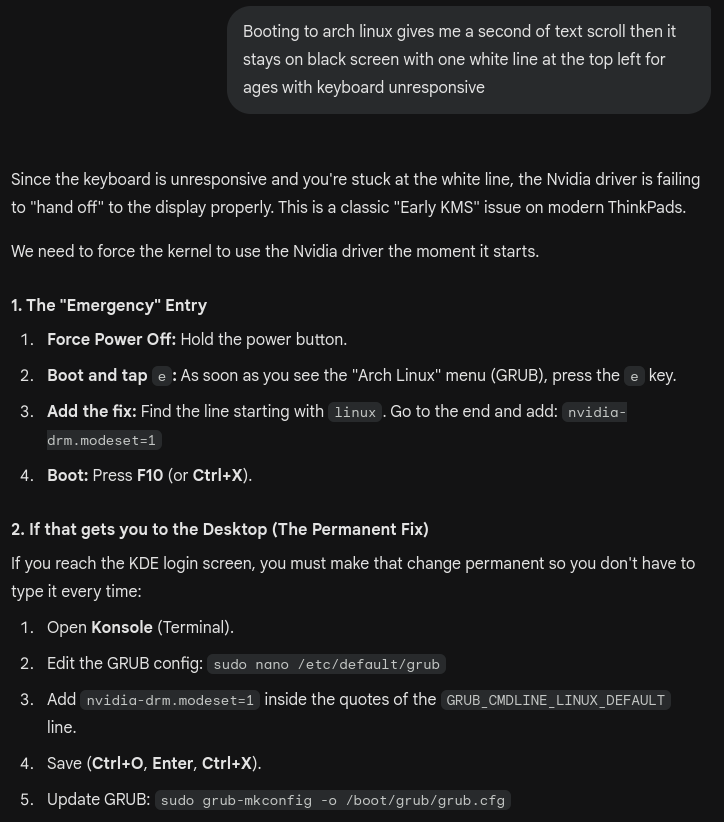
As soon as I made it into the desktop, I put the computer and myself to sleep. That was the a painful process just to make it to a desktop for the first time.

KDE Plasma, my GOAT
This is a beautiful desktop, and an extremely customizable one. The settings menu feels far easier to navigate than anything Windows has ever devised while while giving me more freedom.
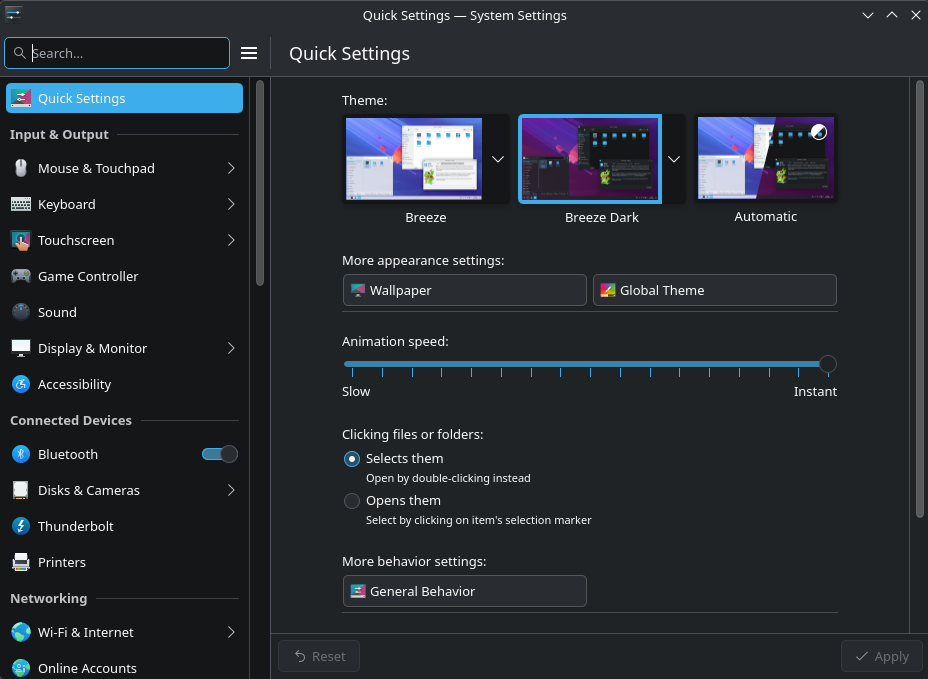
I was not expecting the power of the edit mode. I was so satisfied with how I was able to make my desktop look.


Plasma ruined me for other desktops.
The Dev Environment
VSCode setup was easy, as was Android Studio and getting non-Apple browsers for testing. Overal my environment got much simpler as I do not need to even replace some crucial Windows tools.
MobaXTerm is gone, I am not replacing it with any Archlinux equivalent, but I can accomplish everything it did by writing scripts that I can run just as easily. Having my Linux terminal on my PC be native rather than duct-taped together through a subsystem gets rid of all the headaches that made me need software solutions for Windows-induced problems.
Windows Subsystem for Linux and Git Bash were also just fixes for Windows being the problem. Even Docker Desktop is simply not needed here. Gone are the breaks while waiting for a test environment to spin up, it just works now.
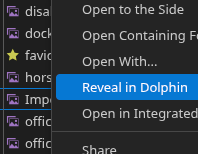
A random pain point I encountered was not being able to right click files in Code and open them in the file explorer (called Dolphin here). I actually threw together a basic local VS Code Extension just to add that feature.
The Code That Worked on Windows
How much time of my precious life did I waste writing bash scripts that worked on Windows? Friends don't let friends write bash on Windows. I lost about a day of effort reworking scripts for my own development work to function in Archlinux. For the sake of saving time, I did not attempt to keep them Windows compatible. There is no going back, only forward.
The main pain points were file permissions, Windows line endings, file paths, and package installation methods. I also had to replace a hack that involves running a Powershell command, but let's pretend that never existed. It also just took me time to track down the package names for installing every dependency via Konsole. There were scores of packages I just had to google then run a pacman/yay command for; that all added up.
KDE Connect > Windows Phone Link
I remember wasting an evening getting phone link setup the first time. Once it was setup, I loved it. Seeing text messages including two-factor authentication codes on PC, having the clipboard shared, and easy file and screen sharing is amazing. On Archlinux, I had the equivalent "KDE connect" set up in a few minutes and it worked even more smoothly. I had to install KDE connect app on my Android phone, the package in Konsole, and press a few buttons. 10/10 no notes.
GIMP Got Better
I have been using GIMP for a long time now for all my image editing because I was never willing to pay for Photoshop. I was thrilled to see how much faster GIMP is now on its native platform. The several minute loading time to open it is gone. It is not clunky anymore. I resent Windows a little more just for slowing down all my image editing this past decade. I am going to produce so many more memes now.
An Anime Game Launcher
Just because I am abandoning Windows does not mean I am abandoning my wives I mean Genshin Impact. Technically, this open source Linux launcher is a violation of Hoyoverse terms of service, but people have been playing on this daily for 3 years and the company would never take action because it is not cheating that harms other players and it is revenue being made.
It looks like this launcher was first released on github just about two years after launch. A lot of games take a long time after launch, if ever, to get a real Linux compatibility solution that doesn't look like running a Windows virtual machine. Luckily for me, I'm trying to get myself off of gaming anyway. For gamers, compatibility is still a huge roadblock to Linux.
Wayland, My Rival to Lover
It turns out Wayland is the display server protocol used by Archlinux these days replacing their old X11. Whatever. It has problems, and I don't like it. Across all browsers, CSS animations fail to render on Wayland, at least paired with my nvidia graphics. To be fair, its a laptop graphics card. I tried to switch to X11 at one point but failed spectacularly, then realized this made no sense. I ended up modifying some nvidia conf files with the help of a robot until it worked. Which change made it work? I'm not even sure after all that late night thrashing (but I think it was actually messing with files that forced Wayland to stick to the nvidia graphics instead of the intel graphics, even though my BIOS was already on dedicated rather than hybrid graphics but whatever the suffering is over.)
Once I cleared whatever my graphics issue was, and finished personalizing my desktop, everything felt smooth even with 30+ GiB RAM usage, much better than Windows performed. I came to appreciate Wayland after the initial struggle.
Should You Abandon Windows?
Yes, but no. But actually yes. But really no don't.
First of all, you absolutely must get comfortable in Linux terminals. This is something software engineers have to do anyway, but most people have no incentive to tackle this hostile learning curve. It also helps to understand computers more deeply to intuit what is going on when things don't work.
Then you have to deal with compatibility issues and mourn the loss of Windows-only software. I was not ready to deal with that for a long time, certainly not in the 2010's when I played far more Windows-exclusive games.
I think Linux is still not accessible to the bulk of potential users going into 2026. That's a bummer because I hate Microsoft and I hate Apple. But nobody has been able to clear the hurdle of making a truly accessible installation and experience for an open source operating system. To be fair, it is not for lack of effort. I see massive effort has been taken to make Archlinux gradually more accessible over the years, and it is much different than it was back when it was known for being impossible to install. It is not an easy task and I have no desire to touch operating system development with a twenty foot pole.
You should abandon Windows. But you probably can't.